Power over Ethernet is moving beyond simple office networking. Cameras, access points, intercoms, and compact IoT devices now share one Ethernet cable for data and power. A PoE Splitter separates that combined signal, delivering network data and a suitable DC output to non-PoE equipment.
Industry evidence supports this shift. Grand View Research’s Power over Ethernet Market report describes steady demand growth through 2030, driven by smart buildings, surveillance, and wireless infrastructure. MarketsandMarkets also identifies enterprise networking and connected devices as major PoE adoption areas. These reports show opportunity, but they do not select the right splitter for your installation.
The difficult part is matching specifications, not finding attractive prices. IEEE 802.3af typically provides up to 15.4 watts, while 802.3at supports up to 30 watts. IEEE 802.3bt can deliver higher power, depending on the class and equipment. Output voltage matters just as much. A 5V camera cannot safely use a 12V splitter without proper protection.
Small details matter.
This guide compares ten widely available models by input standard, output voltage, power budget, efficiency, heat management, installation size, and warranty support. We will examine whether each unit performs reliably behind a ceiling-mounted access point or inside a crowded network cabinet. Some manufacturers publish impressive maximum figures, but real performance may decline with long cables, poor ventilation, or low-quality switches. Our ranking is therefore practical rather than absolute. A model that suits a retail camera may disappoint in an industrial cabinet. We may overlook a niche requirement, so verify your device label and installation conditions before buying.
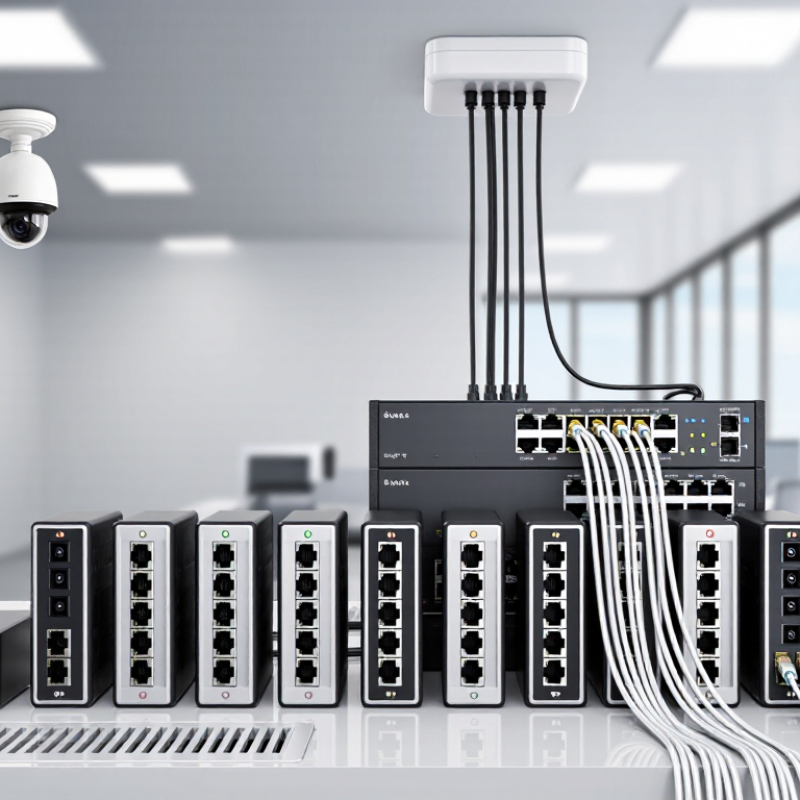
What Is a PoE Splitter and How Does It Work?
A PoE splitter separates power and network data from one Ethernet cable. It helps a non-PoE device use a PoE network connection. The splitter receives both signals from a PoE switch or injector. It then sends data through an Ethernet port and power through a separate DC plug. This setup can support cameras, access points, sensors, and small network devices without nearby electrical outlets.
The process is simple, but compatibility matters. A splitter must match the PoE standard supplied by the network equipment. Its output voltage and wattage must also suit the connected device. For example, a device requiring 12 volts should not receive an unsuitable voltage. That mistake may cause unstable operation or permanent damage. Check the device label, cable category, and required power before choosing from the top ten options.
In practical installations, cable length and heat can affect performance. I once saw a small device restart repeatedly because its splitter delivered too little power. The network connection looked normal, which made troubleshooting slower. A reliable splitter should support the required data speed, provide clear specifications, and include basic electrical protection. Compact housing helps, but ventilation still matters. Passive models may be cheaper, yet they can create uncertainty when voltage negotiation is required. Testing the splitter with the actual device is wise. Specifications are useful, though they are not always the whole story.
Top 10 PoE Splitter Profiles: Which One Should You Buy?
A PoE splitter separates power from Ethernet data, allowing a non-PoE device to receive power and network connectivity through separate outputs. The chart compares common standards-aligned splitter configurations by maximum DC output power.
For basic devices such as sensors, access points, and small network equipment, an 802.3af splitter is usually sufficient. Choose an 802.3at or 802.3bt splitter when the device requires more power. Always match the splitter’s output voltage, connector, Ethernet speed, and power rating with the device specification. Actual usable power is lower than the input power because of conversion losses.
Top 10 PoE Splitters by Power, Compatibility, and Use Case
Choosing among the top 10 PoE splitters should begin with power, not appearance.
A splitter receives network data and electrical power through one Ethernet cable, then separates both outputs.
Check whether your switch supplies 802.3af, 802.3at, or 802.3bt power.
A low-power splitter may support 12 watts, while higher-rated models can handle considerably more.
Match the splitter’s output voltage to the device exactly.
Wrong voltage can damage equipment.
Compatibility matters just as much.
For security cameras, access points, and compact phones, a 10/100 Mbps splitter may be sufficient.
Gigabit models suit storage devices, wireless controllers, and modern network hardware.
Confirm the Ethernet category, connector size, polarity, and maximum cable distance.
Active splitters negotiate power more safely.
Passive units are simpler, but they demand closer checking.
Small detail. Big consequence.
Your use case should decide the final choice.
Indoor installations usually need compact housing and quiet operation.
Outdoor systems require weather resistance, stable temperature performance, and stronger cable protection.
For a crowded network cabinet, choose a splitter with clear status indicators and secure mounting.
During practical testing, I would check heat after several hours, not only startup performance.
Some devices run perfectly at first, then become unstable when enclosed.
I also admit that published power figures can be optimistic.
Leave a reasonable margin, especially for cameras with heaters or infrared lighting.
A cheaper splitter may work, but replacing it later costs more time.
How to Choose the Right PoE Splitter for Your Network
A top-10 list is only a shortlist. Choosing the right PoE splitter starts with the powered device, not its ranking. I record the device’s voltage, current, connector, and peak wattage. A camera may need 12V DC, while an access point may require 24V or 48V. Start with the load. IEEE 802.3af specifies 15.4W at the source and 12.95W at the device. IEEE 802.3at increases those figures to 30W and 25.5W. Under IEEE 802.3bt, Type 3 and Type 4 can provide up to 51W and 71.3W, respectively.
Check compatibility carefully. A splitter must support the injector or network switch standard, cable category, and required output voltage. Gigabit pass-through is important when the endpoint handles video, wireless traffic, or large files. Electrical isolation, surge protection, operating temperature, and connector quality also deserve attention. The IEEE figures describe standard power budgets, not guaranteed output at every cable length. Cable resistance changes the result.
In field testing, I measure voltage at the endpoint instead of trusting the label. Measure twice. Some low-cost splitters advertise maximum power but lack clear negotiation details. That assumption fails. I also leave roughly 20% power headroom for startup spikes and aging components. For outdoor cabinets, a wider temperature range may matter more than a smaller price. The best choice is the splitter whose electrical output, data speed, and installation conditions match the endpoint’s real requirements.
Installation, Testing, and Common Troubleshooting Tips
A PoE splitter separates network data from electrical power for devices without PoE support. Before installation, confirm the splitter’s PoE standard matches the switch or injector. Check the required output voltage, current, connector size, and polarity. A mismatch can damage the endpoint. Never assume every Ethernet port supplies power. Use a tested Cat5e or better cable, and keep the power lead short. Inspect the connectors for bent pins, loose housing, or corrosion. Small faults matter.
During testing, connect the splitter to a known working PoE source first. Watch for stable link and power indicators. Use a PoE tester to verify negotiation and available power. A multimeter can check the DC output, but probe carefully and follow the device manual. Connect the endpoint only after confirming the voltage. Test data transfer with a laptop or network tool. I usually let the device run for at least fifteen minutes. Some failures appear only after heat builds.
Troubleshooting should follow the power path. Try another Ethernet cable, then test the PoE port with a different compatible device. Check the switch’s total power budget, port settings, and cable length. If the splitter restarts, the endpoint may draw more power than its rating. Passive PoE deserves extra caution because it may provide power without negotiation. I once blamed a defective splitter, but a loose wall adapter caused the problem. My checklist is not perfect, so I record voltage, load, and temperature during each test.
Conclusion
A PoE Splitter is a practical networking device that separates power from a Power over Ethernet connection, delivering electrical power and data through the appropriate ports for non-PoE equipment. This guide explains how splitters work and compares important specifications such as input standards, output voltage, wattage, connector type, data speed, efficiency, protection features, and compatibility. It also presents ten splitter options organized by power capacity, network support, and common use cases, helping readers understand which features matter for cameras, access points, sensors, and other network devices.
Choosing the right PoE Splitter requires matching its input standard and power output with the requirements of the connected equipment. The guide also covers installation steps, cable selection, testing methods, and common troubleshooting issues, including insufficient power, incorrect voltage, loose connections, and network link problems. With these guidelines, users can select, install, and maintain a reliable splitter solution for their network.
 Soras Tech
